hexo-design-cards 플러그인
기술 블로그에 글을 적으려다 보니까, 내용 중간에 간단한 플로우 차트나 다이어그램을 곁들여서 설명을 보강하면 좋겠다는 생각이 들었습니다. 예를 들면 이런거요.
이런거 좀 내맘같이 쉽게 처리해주는 플러그인이 없을까 해서 잠시 찾아보았는데, 잘 안 보이더라고요.
그래서 어제~오늘 ai랑 같이 작업해서 조그만 플러그인으로 정리해 공개했습니다.
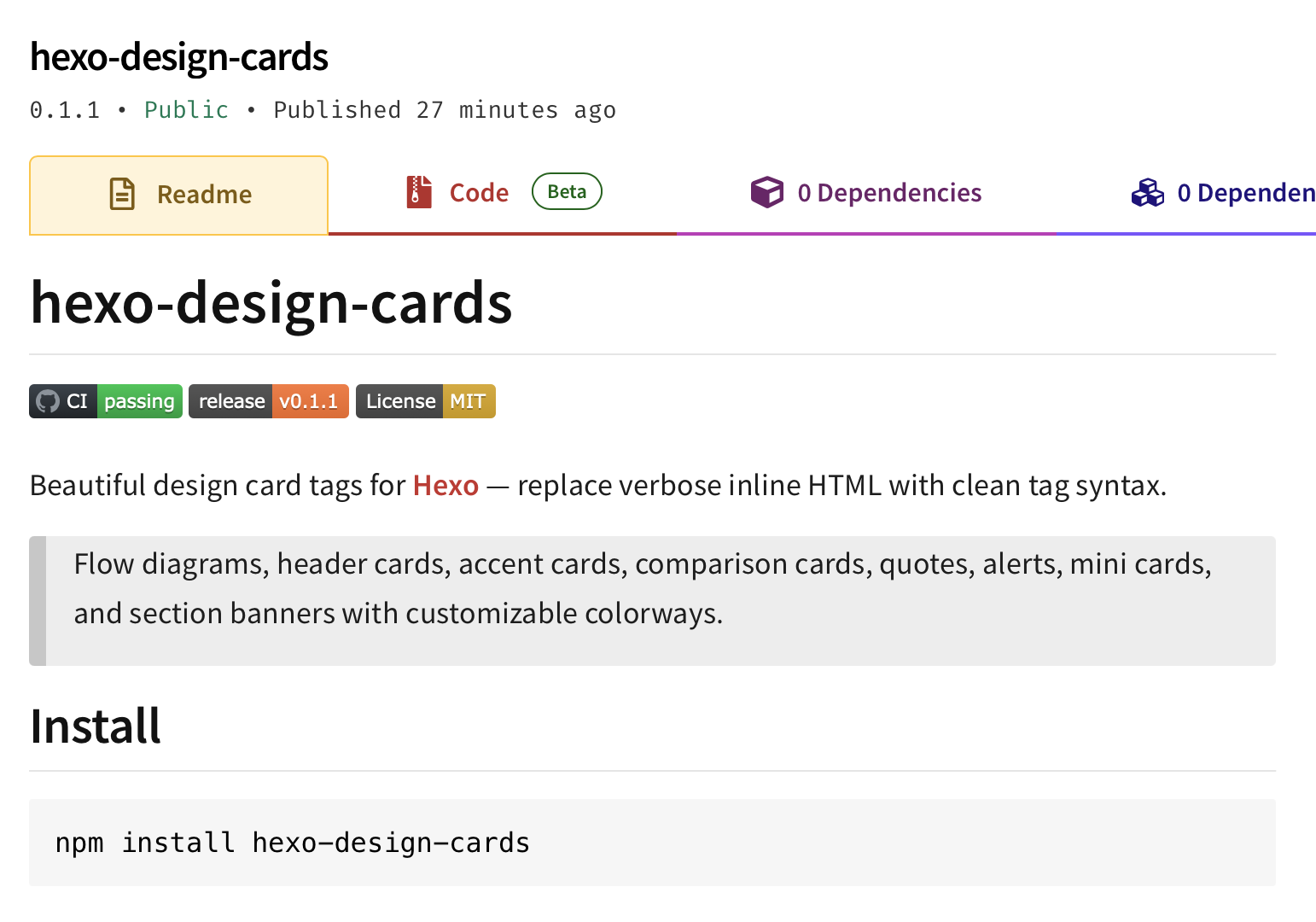
제 깃헙 repo에, 순수 javascript로만 작성된 첫 프로젝트가 되었습니다 :)
플러그인을 설치하면 디자인 요소를 적용할 수 있는 8개의 추가 태그를 제공합니다.
- banner
- cards
- accents
- compare
- alert
- quotes
- minicards
- flow
포스팅을 만들 때마다 프론트매터에서 색상 테마를 변경하는 옵션도 제공합니다. 글의 분위기에 맞는 컬러를 골라 사용할 수 있습니다.
1 | npm install hexo-design-cards |
설치하면 별도 설정 없이 바로 사용할 수 있습니다. CSS는 자동으로 주입돼요.
1. 배너 : Banner
섹션 구분용 배너입니다. 글이 길 때 파트를 나누기 좋아요.
1 | {% banner "Section 1: Getting Started" %} |
배너를 사용하면 글에서 H2 제목 (## 제목)을 넣는 것과 같이 렌더링 됩니다. 본 문서의 문단 내용에 끼어들어가게 될테니 실제 사용 결과는 위의 단락제목들 (‘설치’, ‘태그 소개’)을 참고 해주세요.
2. 카드 : Cards
컬러 헤더가 있는 카드 그리드입니다. 첫 번째 인자는 세로로 만들어질 컬럼(열) 수예요.
1 | {% cards 2 %} |
Title A
Description with markdown support. code snippets work too.
Title B
Another card’s content.
3. 액센트 카드 : Accent Cards
왼쪽에 색띠가 붙는 카드입니다. 핵심 포인트 정리에 적합해요.
1 | {% accents 2 %} |
Description of the first point
Description of the second point
Third point here
Fourth point here
4. 비교 : Compare
두 가지를 나란히 비교할 때 사용합니다. 비교 옵션중 더 추천하고 싶은 항목에 recomended 를 적으면 테두리를 더 두껍게 표시하여 시각적으로 강조를 더해줍니다.
1 | {% compare %} |
Option A
Description of option A.
Option B
Description of option B. This one is recommended.
5. 알림 : Alert
정보, 경고, 팁 박스입니다. |로 제목과 본문을 구분해요.
1 | {% alert info %}Title|Body text with **markdown**{% endalert %} |
ℹ️ Title
Body text with markdown
⚠️ Warning title
Warning body
💡 Tip title
Tip body
6. 인용 : Quotes
인용 모음입니다. 출처별로 정리할 수 있어요.
1 | {% quotes "Section Title" %} |
Section Title
Quote text here
— Source 1Another quote
— Source 27. 미니 카드 : Mini Cards
3열 미니 카드입니다. 짧은 항목을 나열할 때 유용해요.
1 | {% minicards %} |
Item A
Short description
Item B
Short description
Item C
Short description
8. 플로우 : Flow
수평 플로우 다이어그램입니다. *을 붙이면 강조 스텝이 돼요. 모바일이나 너비가 좁은 뷰에서 보면 세로로 방향이 바뀝니다.
1 | {% flow |
캡션을 추가하려면 | 뒤에 텍스트를 넣으면 됩니다:
1 | {% flow |
Data flow overview
폰트 사이즈 : Font Size
대부분의 태그에서 마지막 숫자 인자로 폰트 사이즈(px)를 지정할 수 있습니다. 디자인 요소의 본문에 해당하는 글씨의 크기만 조정합니다. 자신의 블로그 기본 크기에 어울리도록 조절해 사용할 수 있어요.
1 | {% cards 2 15 %}...{% endcards %} → 2 columns, 15px body text |
컬러웨이 : Colorway
5가지 내장 컬러웨이가 있습니다. 포스팅 문서 제일 앞 front matter에서 글별로 지정할 수 있어요.
1 |
|
| Colorway | Vibe | Palette |
|---|---|---|
olive-garden (default) |
Warm olive-gold | |
deep-sea |
Calm blue-grey | |
fiery-ocean |
Bold red-blue contrast | |
rustic-earth |
Natural earth tones | |
sunny-beach |
Vivid orange-teal |
Color palettes from Coolors.co.
소스코드: GitHub · 라이선스: MIT